How to Stop Doomscrolling and Reclaim Your Attention
How to Stop Doomscrolling and Reclaim Your Attention: A Practical Guide for 2026
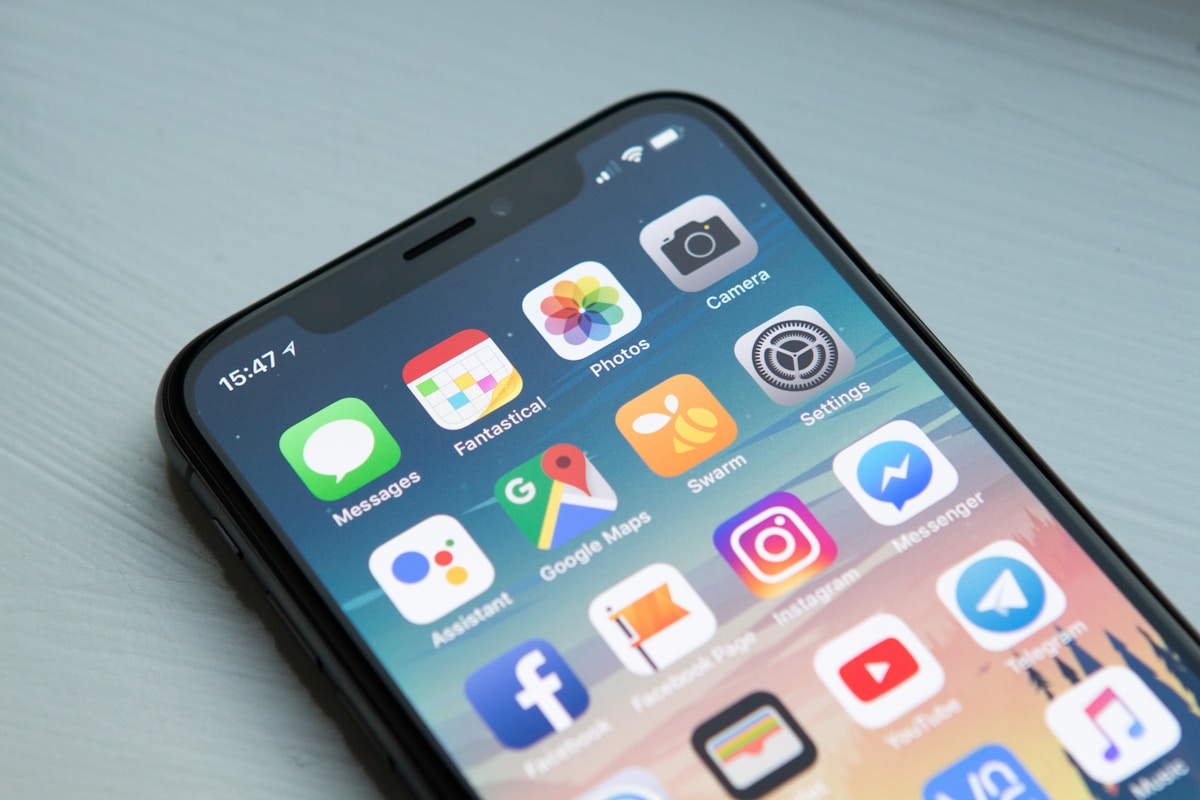
You open your phone for one thing. Ten minutes later, you are somewhere else entirely — a news story, a comment thread, a short video, another headline, another clip. You were not looking for any of it. And you cannot quite remember how you got there.
That is doomscrolling. It is not laziness or a lack of discipline. It is what happens when a device built to capture attention meets a brain that evolved to seek new information. The loop is not a personal failing — it is a design outcome. Which also means it can be broken, on purpose.
This guide is about stop doomscrolling in a way that actually lasts — without deleting every app, without pretending the internet is the enemy, and without turning your life into a strict digital detox that collapses in three days.
What Doomscrolling Actually Does to You
It is not just the time lost. Doomscrolling changes how you feel, think, and focus in ways that are easy to underestimate:
- Attention fragments. The brain gets used to constant switching and struggles with deep focus.
- Anxiety rises. Negative or emotionally intense content keeps the nervous system on edge.
- Sleep suffers. Screens late at night delay melatonin and shorten deep sleep.
- Motivation drops. Comparison and passive consumption quietly steal energy from real goals.
- Time disappears. An hour feels like ten minutes. And it rarely feels good after.
None of this is dramatic on any single day. But across months, the effect is real. And it can be reversed.
Why Willpower Alone Never Works
Every app on your phone was designed by teams of engineers whose job is to keep you on it. Infinite feeds, autoplay, notifications, streaks, and personalized content are all built to interrupt your intention to stop.
Trying to beat that with willpower is like trying to hold your breath longer than the ocean. The fix is not to try harder — it is to remove the fight altogether.
Step 1: Make the Phone Boring
The single most effective move is to remove the automatic pull of your phone before you even open it. Small changes, big impact:
- Delete the biggest offender from your home screen. Keep it installed, but out of sight.
- Turn off all non-human notifications. Keep calls and messages. Everything else goes.
- Switch your screen to grayscale for a few hours a day. Color is a huge part of the pull.
- Disable autoplay on every video app you use.
- Move your charging cable out of the bedroom.
Each of these makes scrolling slightly less automatic. Combined, they change everything.
Step 2: Create Friction Before the Scroll
Doomscrolling is fast. Your job is to slow it down. Every extra second between you and the feed gives your brain a chance to choose differently.
| Habit | Friction It Adds |
|---|---|
| Log out of the app after each use | Typing password every time |
| Use a screen-time app with a daily limit | A popup and a decision |
| Keep the app in a folder on page 3 | Extra taps and a pause |
| Charge the phone in another room at night | Physical distance |
| Use "delay" tools (one-minute countdown before opening) | Time to reconsider |
You are not trying to block yourself. You are giving yourself a moment to decide — which is often enough.
Step 3: Replace, Don't Just Remove
Nature hates a vacuum. If you just remove scrolling, boredom fills the gap and the habit comes back. You have to give your brain something else to reach for.
- A book on your nightstand — physical, visible.
- A short walk after meals.
- A pen and notebook for the thoughts you usually scroll past.
- A puzzle, sketchbook, or instrument you have not touched in a while.
- A single podcast episode at the same time each day.
It does not need to be productive. It just needs to be real.
Step 4: Use Time Windows, Not Banning
Total bans fail. Time windows work. Instead of "no social media," try "social media only between 7 and 8 p.m." This gives your brain a boundary that feels fair.
Step 5: Change the Environment Around the Habit
Habits live in context. Doomscrolling often happens in specific moments: in bed, on the couch, waiting in line, at lunch alone. Change the moment, and the behavior loosens.
- In bed: charge the phone across the room or outside the bedroom.
- On the couch: keep a book, magazine, or puzzle where your hand usually reaches for the phone.
- In line: carry a small paperback or look around — treat waiting as rest, not as scroll time.
- At meals: phone in a bag or another room.

Step 6: Handle the Emotional Trigger
Most doomscrolling is not about information. It is about feeling — stress, boredom, loneliness, anxiety, or a low hum of restlessness. The scroll is a way of not sitting with that feeling.
Next time you reach for your phone, pause for three seconds and ask: What am I actually feeling right now? Naming it takes the edge off. Often you will realize you were not looking for content — you were looking for relief.
And there are better forms of relief: a glass of water, a few slow breaths, a short walk, a message to a friend, or simply sitting still for one minute. None of them are as fast as the scroll — but all of them leave you in a better place.
A 7-Day Plan to Break the Loop
You do not need to change everything at once. One step a day is enough.
| Day | Action |
|---|---|
| Day 1 | Turn off all non-human notifications |
| Day 2 | Move the biggest offender off your home screen |
| Day 3 | Charge the phone outside the bedroom |
| Day 4 | Set a daily screen-time limit on one app |
| Day 5 | Pick one replacement activity and use it once |
| Day 6 | Use grayscale for 3 hours |
| Day 7 | Choose your "scroll window" and stick to it for a week |

What Changes When You Reclaim Your Attention
The first three days feel odd. The fourth and fifth feel empty. By the end of the first week, you start to notice small things:
- You read more pages in one sitting than you have in months.
- You remember conversations better.
- You fall asleep faster and wake up less tired.
- You feel bored — and then, quietly, creative.
- You stop reaching for the phone in every small pause.
None of it is dramatic. All of it is real. Attention is the raw material of a good life — and it is worth protecting.
The Long Game
You do not need to live offline to stop doomscrolling. You need a system that works with your brain instead of against it. Remove the automatic pull. Add friction. Replace the habit with something real. Set time windows. Change the environment. And repeat.
Start with one change today. Then another tomorrow. In a week, you will feel the difference. In a month, you will wonder how you ever lived the other way.
Frequently Asked Questions
What is doomscrolling?
Doomscrolling is the habit of endlessly scrolling through negative or emotionally intense content — news, social media, or short videos — even when it makes you feel worse. It is driven by the brain's craving for new information and unpredictability.
How do I stop doomscrolling at night?
Keep your phone out of the bedroom, set a screen cutoff an hour before bed, and replace the scroll with a calm alternative — a book, a podcast, or music. The biggest gains come from changing where the phone sleeps, not just how you use it.
Do I need to delete social media to stop doomscrolling?
No. Deleting everything works for some people but usually fails long-term. It is more effective to remove the triggers — notifications, home screen icons, autoplay — and add friction so that scrolling becomes a choice rather than a reflex.
How long does it take to break the scrolling habit?
Most people feel a real difference within one to two weeks of consistent changes. The first three days are usually the hardest. Full rewiring of attention habits takes a few weeks of repetition.


Comments
Post a Comment