How to Declutter Your Digital Life in 30 Days
How to Declutter Your Digital Life in 30 Days
Last Updated: September 2026

Your inbox has 4,000 unread emails. Your phone has 200 apps you have not opened in months. Your desktop is a maze of folders and screenshots. Your subscriptions are silently draining your account. And somewhere in all of that — you are trying to focus, be productive, and actually feel good about your life.
Digital clutter is real, and its cost is invisible: scattered attention, low-grade anxiety, wasted money, and a constant sense of being behind. The good news is that you do not need a radical detox or a weekend offline retreat. You need a simple, week-by-week plan — and 30 days to follow through.
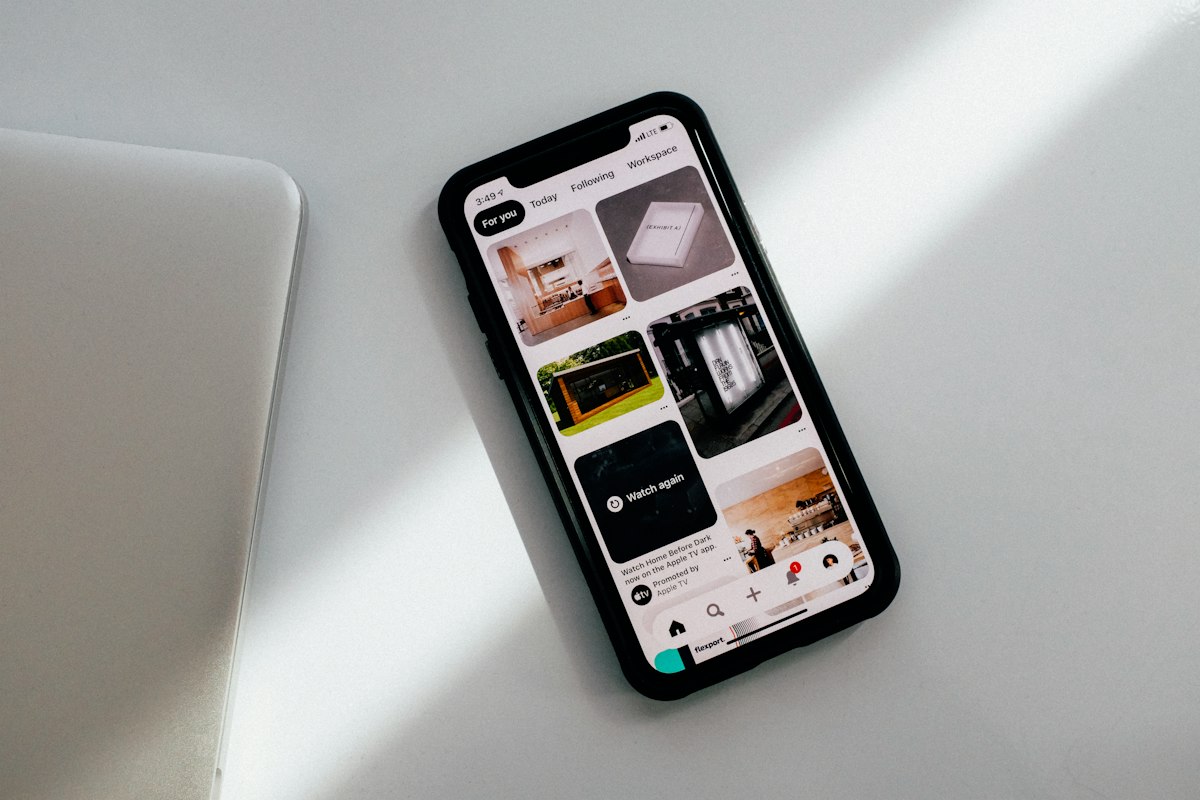
Week 1 — Clean Your Phone
Your phone is the single most cluttered device most people own — and the one that demands the most of your attention every day. Start here.
Delete apps you have not used in 60 days
Go through every screen on your phone and delete anything you have not opened in two months. If you need it again, you can always reinstall it. Be ruthless. The average person has 80+ apps installed and regularly uses fewer than 10.
Turn off all non-essential notifications
Go to your phone settings and turn off notifications for every app except the ones that require genuine real-time awareness — like calls, messages from family, and calendar alerts. Social media, news apps, and most other notifications can wait.
Organize your home screen to only what you use daily
Move everything else off your first home screen. Keep only 6 to 12 apps that you genuinely open every day. A clean home screen reduces unconscious scrolling and decision fatigue.
Week 2 — Tackle Your Email
The average professional receives over 100 emails per day. Most of them are newsletters, promotions, or notifications you never asked to receive. Week 2 is about reclaiming your inbox.
Unsubscribe from everything you do not read
Spend 30 minutes unsubscribing from mailing lists, promotional emails, and newsletters you have not opened in three months. Use the Unsubscribe link at the bottom of each email — or use a tool like Leave Me Alone (paid) or your email provider's bulk unsubscribe feature.
Create a simple folder system
You only need three to five folders: Action Required, Waiting For, Reference, and Archive. Everything else gets deleted or archived. The goal is zero clutter in your inbox, not zero emails.
Set two specific times per day to check email
Checking email constantly keeps you in reactive mode all day. Pick two windows — morning and mid-afternoon — and process email only then. Outside those windows, close the tab. This single change has a significant impact on your focus and stress.
Week 3 — Organize Your Computer and Files
Your computer's digital clutter — unsorted downloads, duplicate files, a chaotic desktop — creates low-level cognitive load every time you sit down to work.
Clear your desktop completely
Move everything off your desktop into a single folder called "Sort Later." Then spend 20 minutes sorting that folder into proper locations. Your desktop should be near-empty — at most a few active project folders.
Delete duplicate files and screenshots
Your Downloads folder and Screenshots folder are almost certainly full of things you do not need. Go through them and delete everything that is no longer relevant. Use your computer's built-in storage analyzer to identify large files taking up space.
Organize cloud storage
Apply the same principle to Google Drive, iCloud, or Dropbox. Create a clear folder structure. Delete old drafts, duplicates, and files you will genuinely never open again.
Week 4 — Audit Your Subscriptions and Digital Spending
The final week is about money and attention. Subscription creep — where small monthly charges accumulate into a significant total — is one of the most common and invisible drains on modern finances and time.
List every active subscription
Go through your bank statement for the last two months and identify every recurring charge. Write them all down with the monthly cost. Most people are surprised by how many there are and how much they total.
Cancel everything you have not used in 30 days
No exceptions. If you have not used it in a month, cancel it. You can always re-subscribe if you genuinely miss it — most services make that easy. The default should be off, not on.

30-Day Digital Declutter Summary
| Week | Focus Area | Key Actions |
|---|---|---|
| Week 1 | Your phone | Delete apps, turn off notifications, clean home screen |
| Week 2 | Your email | Unsubscribe, create folders, limit check times |
| Week 3 | Your files | Clear desktop, delete duplicates, organize cloud storage |
| Week 4 | Your subscriptions | List all, cancel unused, set a review reminder |
Frequently Asked Questions
What is digital decluttering?
Digital decluttering is the process of intentionally removing unnecessary files, apps, subscriptions, notifications, and digital habits that create overwhelm or waste your time and attention.
How long does it take to declutter your digital life?
A meaningful digital declutter can be done in 30 days by tackling one area per week. The whole process takes about 30 to 60 minutes per week — and the benefits last much longer.
Does digital clutter affect mental health?
Research suggests that information overload and constant notifications can increase stress and reduce focus. A cleaner digital environment often leads to reduced anxiety and a greater sense of control.
What apps help with digital decluttering?
Useful tools include Leave Me Alone for email unsubscribing, your phone's built-in Screen Time or Digital Wellbeing features, and cloud storage tools for organizing files.
Your digital environment shapes your attention, your mood, and your productivity — whether you realize it or not. Thirty days of intentional cleanup will not just clear your devices. It will give you back something far more valuable: your focus.
⚠️ Lifestyle Disclaimer: This article is for general informational and educational purposes only. Tips are based on widely-accepted productivity and digital wellness practices. Individual experiences may vary. SourceUX does not make psychological, medical, or financial claims about the outcomes of digital decluttering.


Comments
Post a Comment